AI motion control

AI Motion Control Video Generator | Cuzi AI

Transfer movement from a reference video to any character image with AI Motion Control powered by Wan 2.2 Animate and Kling 2.6.

Source files

Character image

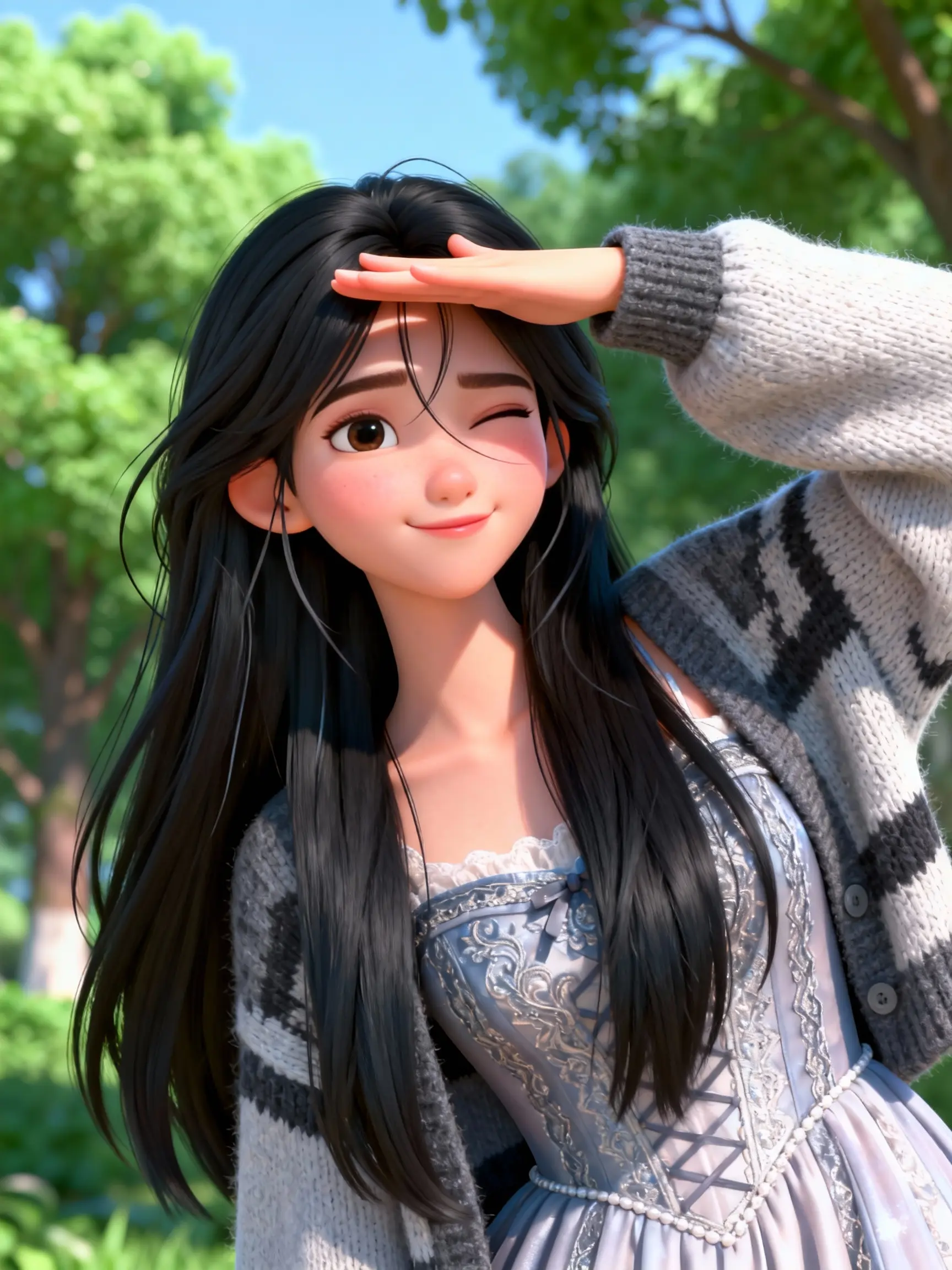
Example character input

Motion video

0/2500

Resolution

Orientation

Sign in to generate

What Is AI Motion Control?

AI Motion Control turns a still character image into a moving video by transferring body motion, gestures, timing, and facial expression from a reference clip. Instead of describing every action with a prompt, you provide the exact performance you want the character to follow. Cuzi AI combines Wan 2.2 Animate and Kling 2.6 Motion Control in one browser-based workflow for character animation, dance videos, virtual presenters, social content, and creative production.

Precise Motion Transfer with Wan 2.2 and Kling 2.6

Choose Wan 2.2 Animate for flexible character animation and performer replacement at up to 720p, or Kling 2.6 Motion Control for high-fidelity movement transfer at up to 1080p. Upload one clear character image and a reference video, select the model and output settings, then generate. The original appearance stays recognizable while the new video follows the reference performance.

How to Create an AI Motion Control Video

Transfer a real performance to a character in three straightforward steps.

Upload Your Character

Choose a clear JPG or PNG image with one visible character and an unobstructed body.

Add a Motion Reference

Upload an MP4 or MOV performance video, then select Wan 2.2 or Kling 2.6 and your preferred resolution.

Generate and Download

Create the motion-controlled video, preview the result, and download the finished MP4.

Why Use Cuzi AI Motion Control?

Direct character movement with a real performance instead of relying on prompt interpretation.

Two Leading Models

Switch between Wan 2.2 Animate and Kling 2.6 Motion Control without changing tools.

Performance-Led Results

Transfer dance moves, gestures, posture, timing, and expressions from a reference video.

Character Consistency

Preserve the recognizable identity, clothing, and visual style of your source character.

Up to 1080p Output

Use Kling 2.6 for detailed Full HD output or Wan 2.2 for efficient animation workflows.

Flexible Orientation

With Kling, choose whether the result follows the character image pose or the video performer angle.

AI Motion Control FAQ

1

What is an AI motion control video generator?

It is an AI tool that transfers movement from a reference video to a character image, creating a new video that follows the source performance.

2

What is the difference between Wan 2.2 Animate and Kling 2.6 Motion Control?

Wan 2.2 supports character animation and performer replacement at 480p or 720p. Kling 2.6 focuses on high-fidelity motion transfer at 720p or 1080p and offers image- or video-oriented character alignment.

3

What source files produce the best results?

Use a sharp character image with one clearly visible subject and a well-lit reference video where the performer stays in frame without major occlusion.

4

How long can the motion reference video be?

Wan 2.2 supports up to 120 seconds. Kling 2.6 supports up to 10 seconds when following the image orientation and up to 30 seconds when following the video orientation.

5

How are credits calculated?

Credits are calculated from the reference video duration, selected model, and output resolution. The exact estimate appears on the generate button before submission, and failed generations are automatically refunded.

Turn a Still Character into a Performance

Upload one image and one motion reference to create your first AI motion control video.